 Start here
BLACK OPS 1 ZOMBIES · INDEPENDENT PLAY & GUIDE
BO1 ZOMBIES.IN YOUR BROWSER.
Back to the theater. Back to the horde. Choose a map, jump into the browser game, and keep the survival guide close.
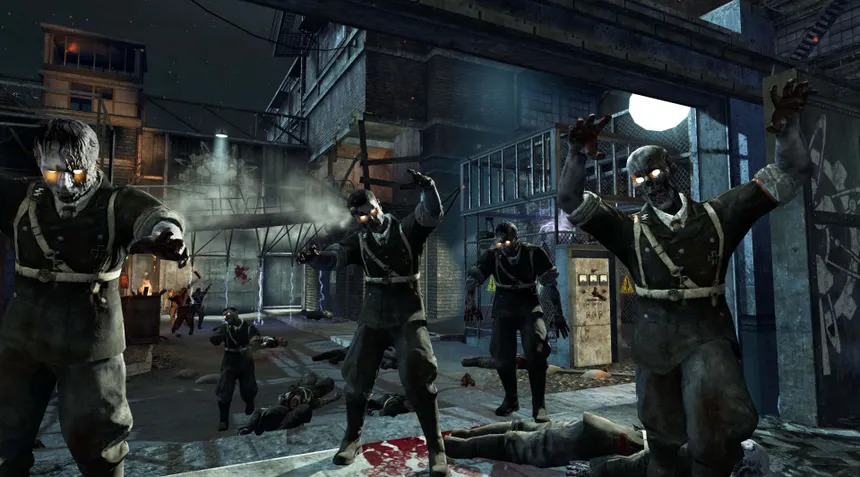
YOUR NEXT ROUND STARTS HERESOLO ZOMBIES
BLACK OPS · 2010THE HORDE
THE HORDE
IS WAITING.
Opens the game on vel.gg in a separate window. This guide stays open. First time?
Window blocked? Open the game in a new tab ↗
01 · DOWNLOADLet the map load
Keep the game window open while progress moves.
02 · STARTClick into the scene
Use the game’s start button to capture your mouse.
03 · RETURNYour guide stays here
Press Escape to release the pointer and switch back.
10 map destinationsSOLO browser projectPC keyboard & mouseGUIDES power, perks & routes
KNOW YOUR BATTLEGROUND
Pick a map. Make a plan.
Start here Tight corridors
 Three teleporters
 Oxygen matters
YOUR FIRST GOOD RUN
Power first.
Keep moving.
One more round.
Reach power, know your exit, then make the upgrade trip. Small decisions keep the run alive.
Read the beginner guide- 01
Save for the route
Doors and a dependable weapon before another random box spin.
- 02
Find your breathing room
Learn the loop and its exits while the round is manageable.
- 03
Make the upgrade count
Know where Pack-a-Punch is, arrive ready, and collect your weapon promptly.
LESS GUESSWORK. MORE GAME.
Your browser survival kit.
01
Controls & mouse setup
Set up keyboard and mouse for BO1 browser Zombies, understand game focus, sensitivity and fullscreen, and test your keys locally.
02Fix loading & lag
Troubleshoot BO1 browser loading progress, low FPS, black screens, blocked popups, missing mouse capture and audio step by step.
03Solo, co-op & split-screen
Understand the BO1 browser project’s solo-play limitation and how it differs from native Black Ops Zombies co-op, split-screen and other web remakes.
04Device & mobile help
Check realistic device expectations for BO1 browser Zombies: desktop keyboard and mouse, mobile limitations, Chromebooks and controller support.
BEFORE YOU JUMP IN
A few things
to know.
Game links and current browser details, all in one place.
About this siteCan I play BO1 Zombies in a browser?
Yes. The homepage links to the fan browser project at vel.gg/bo1z. Pick a map and let its initial data load finish.
Does this website run the game inside the page?
Play opens the linked game in a separate window or tab so this guide stays open. You choose the map on the first screen.
Which maps are available?
The current host menu lists Kino der Toten, Five, Der Riese, Nacht der Untoten, Verrückt, Shi No Numa, Ascension, Call of the Dead, Shangri-La and Moon.
Is there multiplayer or split-screen?
Current coverage describes this vel.gg browser project as solo, without multiplayer or split-screen. Native Black Ops and other browser remakes have different features.
Why does the first load take time?
The game transfers and prepares data in your browser. Keep the map open while its progress changes; no separate launcher is installed by this website.
What is Hell mode?
The host describes Hell mode as starting on round 100 with up to 300 zombies at once and no perk machines. Leave it off to learn the normal opening.
Is BO1 Browser an official Call of Duty website?
No. BO1 Browser is an independent play and guide site, not affiliated with Activision or Treyarch. Game names and artwork belong to their owners.